Courier Booking Automation: Save Hours Every Day
Copying orders into a courier portal one by one is slow and error-prone. Here is how to book straight from the order.
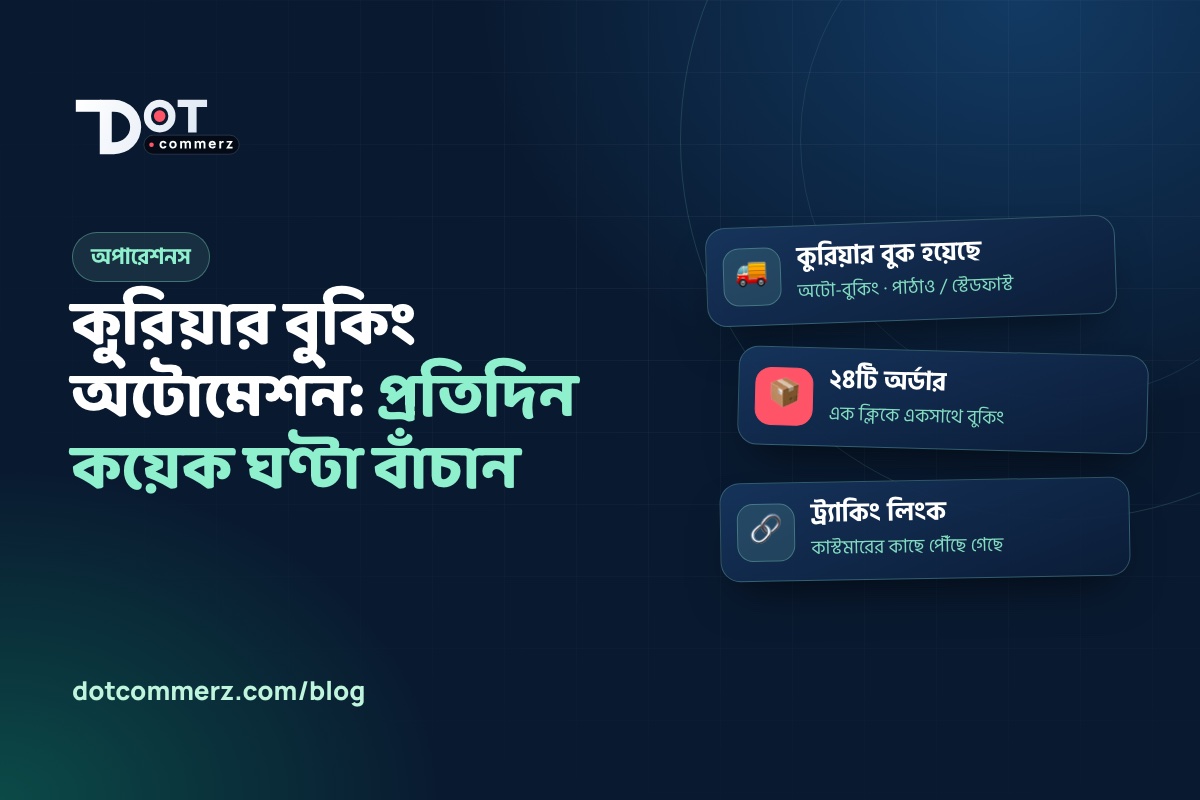
If you send ten parcels a day, copying name, phone, address and amount into a courier portal costs you a real chunk of the evening, and every retyped digit is a chance for a failed delivery.
What automation means here
It means the order already holds the customer's details, so you press one button and the consignment is created with the courier, using the same data. No second typing.
How it works in Dotcommerz
- Connect your Steadfast or Pathao account once.
- Open an order and book in one click.
- Follow the parcel with live tracking from the order.
- Check the failed-delivery list to follow up on returns.
- Bulk-update statuses and print for the whole day in one go.
Set delivery charge before the order
Zone-based delivery charge lets the customer see the right amount at checkout, so the COD figure the courier collects matches what the customer expected. That cuts arguments at the door.
Honest limit
Booking is available for Steadfast and Pathao. Automation saves typing; it does not replace checking a risky order before you ship.
Read next
Ready to launch your own store?
Start with a 15-day free trial — choose a design you love, add your products and go live in minutes.